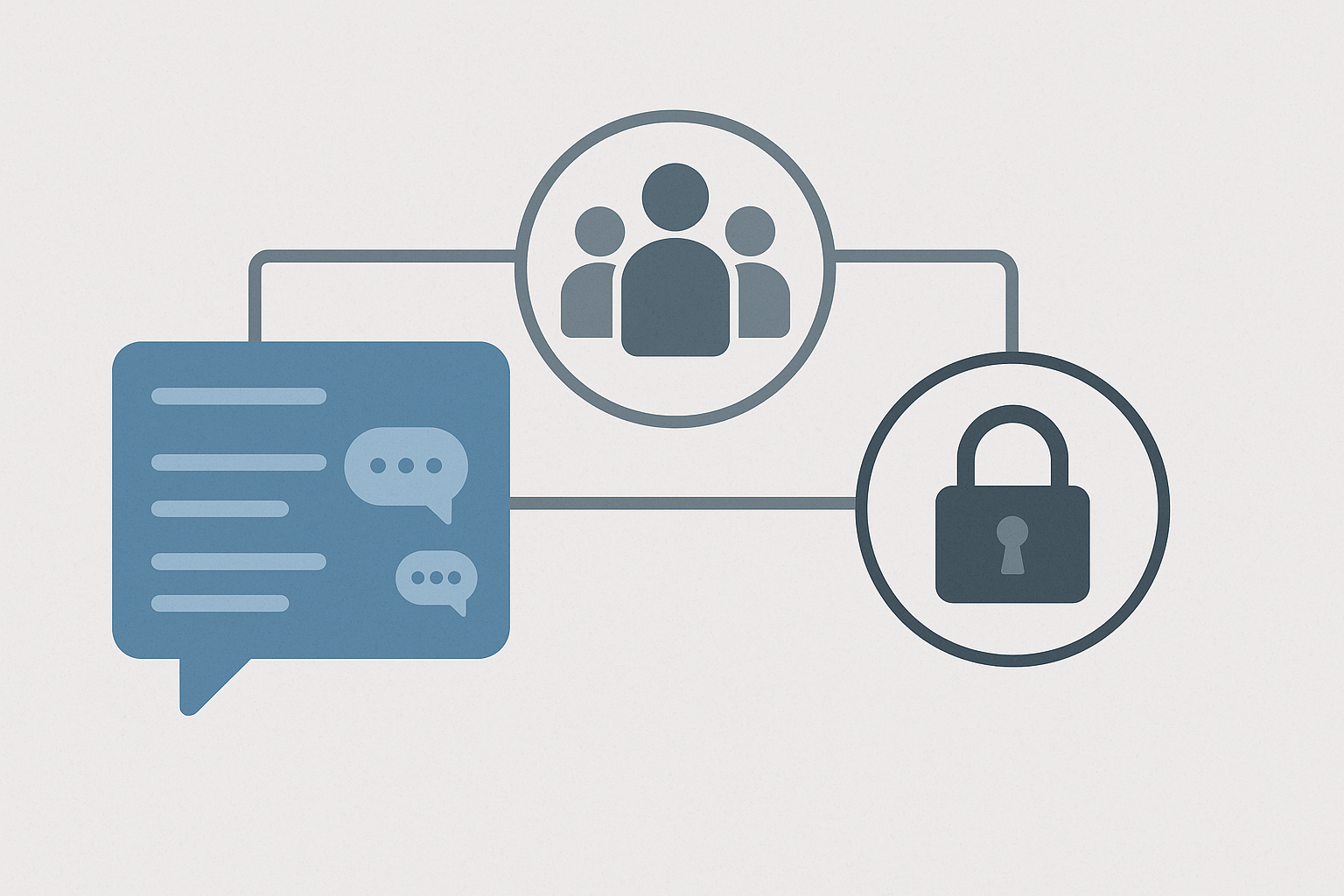
A scalable messaging structure separates three concepts: channels organize conversations, user groups represent people with shared roles or attributes, and permissions determine what those people can see or do. Fast-growing organizations should design these layers around durable business functions, apply restricted access only where there is a clear reason, and establish ownership and review rules before channel growth becomes difficult to manage.
Start with a simple organizational model
Messaging environments often become confusing because every team invents its own naming rules, access model, and channel purpose. The immediate result is clutter; the longer-term risks include missed information, inappropriate access, and dependence on administrators for routine changes.
A useful design begins with a small number of channel types:
- Organization-wide channels for announcements, operational updates, and broadly relevant discussion.
- Functional channels for durable departments or disciplines such as finance, sales, operations, or engineering.
- Project channels for work with a defined objective, owner, and expected end date.
- Location channels where offices, branches, warehouses, or regions need their own operational space.
- Restricted channels for conversations involving confidential business, personnel, legal, security, or customer information.
- Social channels for optional community discussion that does not belong in operational spaces.
Not every organization needs every type. The important point is to give each channel a recognizable purpose instead of creating a new space whenever a conversation begins.
Treat channels, groups, and permissions as separate layers
A channel is a destination for messages. A user group is a manageable collection of accounts, such as all employees in a department, everyone at a location, or people assigned to an incident-response role. A permission is an allowed action, such as viewing a channel, inviting members, deleting messages, managing retention settings, or creating integrations.
Keeping these layers separate makes growth easier. For example, the organization can grant the “Finance” user group access to several finance channels rather than adding each employee individually. When someone joins or leaves the department, changing group membership can update access consistently.
Platform terminology and capabilities vary. Some systems support directory-synchronized groups, nested teams, channel-level roles, or automatic membership rules; others require more manual administration. These differences should be evaluated before committing to a governance model the platform cannot enforce.
Build a channel taxonomy that can survive growth
Channel names should help users predict what a space contains. A short prefix can distinguish durable teams from temporary projects, locations, announcements, or social conversations. Examples might include team-finance, project-website, location-chicago, and announce-company.
Keep the taxonomy limited. Long strings of abbreviations may satisfy administrators but make discovery harder for employees. A good convention should answer three questions: what type of channel is this, what subject does it cover, and—if necessary—which region or business unit does it belong to?
Each operational channel should also have:
- a clear description and intended use;
- at least one accountable owner;
- a defined audience;
- a decision about whether membership is automatic, open, or approved;
- an archive or review trigger.
Channel ownership is an operational responsibility, not merely a label. Owners should redirect misplaced conversations, maintain membership where required, update the description, and archive the space when it no longer serves a purpose.
Use user groups for stable attributes, not temporary convenience
User groups work best when they represent characteristics that the organization already manages elsewhere. Common examples include department, location, employment status, management responsibility, and operational duty.
Avoid creating a permanent group for every short project. That can replace channel sprawl with group sprawl. Temporary work can usually be handled through a project channel with an owner and end date. Create a dedicated group when the same set of people needs consistent access, mentions, or permissions across multiple spaces.
Where possible, connect group membership to an authoritative identity source, such as the organization’s employee directory. Automation reduces forgotten access, but it still requires accurate source data and clearly assigned responsibility for exceptions, contractors, transfers, and leave status.
Design permissions around roles and risk
Granting every user administrative power is unsafe, while routing every change through one administrator creates delays and a continuity risk. A practical model distributes routine authority without exposing sensitive system controls.
| Role | Typical responsibilities | Useful limits |
|---|---|---|
| System administrator | Platform configuration, identity connections, security settings, backups, and recovery | Reserve for a small, accountable team |
| Messaging administrator | Channel policies, account support, moderation, and lifecycle management | Exclude infrastructure or unrestricted data access unless required |
| Channel owner | Purpose, membership, local moderation, and archiving | Authority limited to owned channels |
| Member | Participation in permitted spaces | No system-wide configuration rights |
| Guest or external participant | Collaboration in explicitly assigned spaces | No default access to internal channels or broad directories |
Apply least privilege—the minimum access needed to perform a role—but do not interpret it as making every channel private. Excessive restriction fragments knowledge, increases duplicate questions, and makes cross-functional work harder. Open internal channels are often appropriate for routine work; restricted access should follow the sensitivity of the information and the organization’s policies.
Make private channels the exception with a defined reason
Private spaces are justified for matters such as personnel discussions, legal work, security incidents, confidential negotiations, or customer information subject to contractual restrictions. They should not become the default simply because a team wants less interruption.
Document why a restricted channel exists, who approves membership, and how access will be reviewed. Remember that channel privacy is only one control. Administrators may still have technical access depending on the platform and deployment, while backups, exports, connected applications, and notifications may create additional copies of information.
If external collaborators are allowed, give them access only to designated spaces and make their status visible. Establish an expiration or review date so accounts do not remain active after the engagement ends.
Control creation without creating a bottleneck
Letting everyone create unrestricted channels, integrations, and user groups can produce rapid sprawl. Requiring central approval for every project can be equally impractical. A balanced policy might allow employees to create standard project channels while reserving organization-wide channels, restricted groups, external collaboration spaces, and integrations for approved owners.
Use a lightweight request process for exceptions. The requester should identify the purpose, owner, expected participants, sensitivity, and likely end date. This provides accountability without turning messaging governance into a lengthy approval exercise.
Review the structure as the organization changes
Channel design is not a one-time setup task. Schedule periodic reviews to identify ownerless channels, inactive projects, duplicated spaces, excessive administrators, stale guests, and groups whose membership no longer matches the organization.
Offboarding should promptly disable the account and remove active sessions where the platform supports it. Transfers deserve equal attention: an employee who changes roles may need new access, but they may also retain permissions from the previous position unless the process removes them.
Before deployment, test the model with several realistic user journeys: a new employee, a manager changing departments, a contractor joining one project, a project ending, and an administrator becoming unavailable. If these events require improvised manual decisions, the design needs clearer rules or better automation.
The strongest structure is not the one with the most channels or the most granular controls. It is the one employees can understand, owners can maintain, and administrators can audit as the organization grows. Begin with durable channel categories, role-based groups, and a small permission hierarchy, then add complexity only in response to a specific operational or information risk.
Keep reading
More articles on the same topic.
-
 Secure internal communication without the hype: threat models that actually matter for business chat
-
 What to log and what not to log in a private messaging platform for business: a sane auditing approach
-
 Internal chat challenges nobody mentions: message overload, fragmented channels, and silent failure modes